
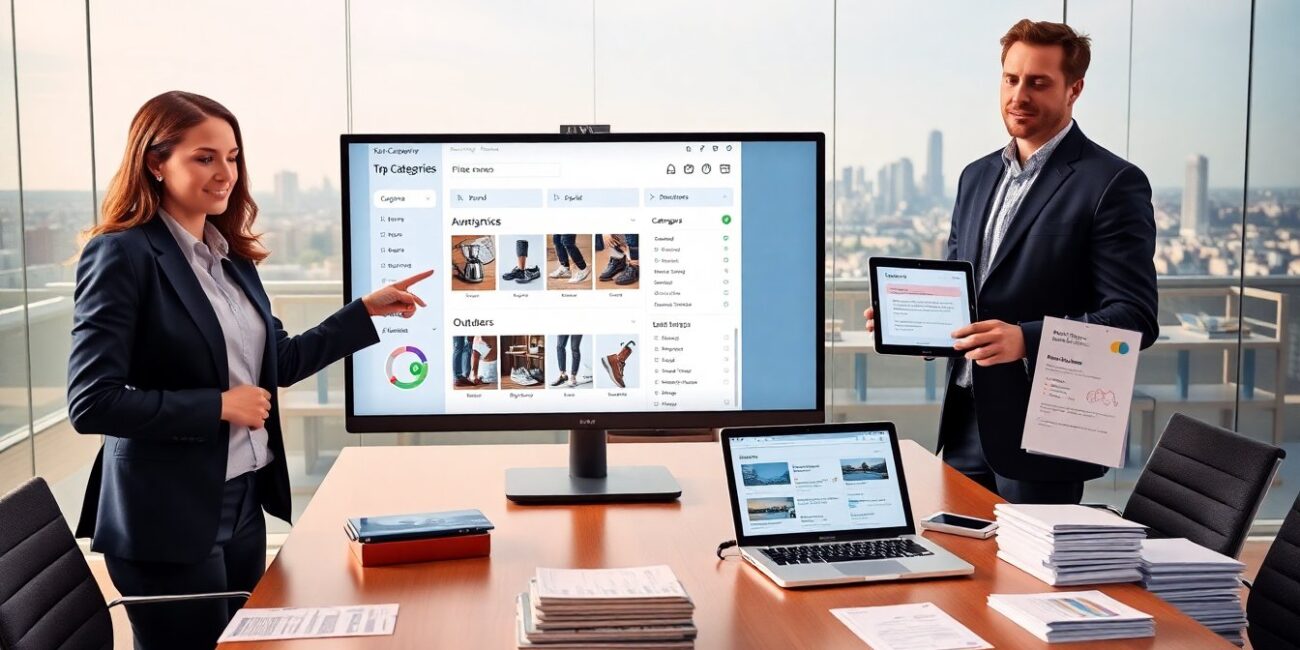
ShopNaclo categories on ShopNaclo help users find items fast. The system groups items by purpose, brand, and attributes. It shows collections, filters, and related tags. They can browse, filter, or save views. This article explains how the categories work, how top-level groups appear, and how users can report gaps or suggest improvements.
Key Takeaways
- ShopNaclo categories help users quickly find products by grouping items with clear, customer-friendly names such as Home, Electronics, Apparel, and Outdoors.
- Each product is assigned to one primary category with additional tags for attributes, improving search relevance and discovery speed on ShopNaclo.
- Subcategories include function, style, brand, and price tiers, aiding shoppers to select precisely and helping sellers target the right audience.
- Filters and sorts within categories allow users to refine searches by brand, price, rating, and more, with options to save views for easy future access.
- Sellers should select the most specific primary category and use suggested categories and validation prompts to increase product visibility and reduce listing errors.
- Users and sellers can easily report missing categories or suggest improvements to keep the ShopNaclo category system aligned with user needs and updated regularly.
How ShopNaclo’s Category System Works (At A Glance)
Latest articles on ShopNaclo from robert mills form a clear tree. The platform assigns each product to one primary category. It adds secondary tags for attributes like color, size, and material. The system uses automated rules and manual checks to keep categories accurate. It updates category suggestions from user behavior and seller input. Shoppers see category paths on product pages. Sellers choose categories when they list items. The system validates choices and prompts corrections when needed. Search queries map to categories to improve relevance. The result is faster discovery and fewer irrelevant listings.
How Top-Level Categories Are Structured And Named
Top-level categories on ShopNaclo use simple, customer-facing names. Each name describes a clear product group. Examples include Home, Electronics, Apparel, and Outdoors. The platform avoids niche jargon in parent labels. Each top-level category contains defined rules for subgroups. They include allowed attributes and common search terms. Category names align with how shoppers search. They also match seller dashboards for listing accuracy. The team reviews top-level names quarterly. They change names only when data shows user confusion. This method keeps navigation stable and predictable.
Common Subcategory Types And Examples
Subcategories on ShopNaclo break products into practical types. They include function-based groups like “coffee makers” under Home. They include style groups like “running shoes” under Apparel. They include brand-based groups when brands drive search. They include price-tier groups when shoppers filter by cost. Each subcategory shows sample products and common filters. The samples help shoppers confirm they chose the right path. Sellers use subcategories to reach the right audience. The platform suggests subcategories at the time of listing to reduce errors.
Using Filters, Sorts, And Saved Views Inside Categories
Inside a category, ShopNaclo shows filters at the top and side. Users can filter by brand, price, rating, and attributes. They can sort by relevance, newest, price, or popularity. Shoppers can save a set of filters as a saved view. Saved views appear in the user account for quick access. Sellers can create saved views for product research. The platform stores recent filters for convenience. Filters combine with category rules to keep results focused. The system updates filter options based on available inventory in the category.
Tips For Choosing The Right Category When Browsing Or Listing Items
When browsing, users should read the category label and sample products. They should open a few product pages to confirm fit. When listing, sellers should pick the primary category that best describes the main use. They should add tags for secondary attributes and brand. They should avoid selecting multiple top-level categories. If the product fits multiple groups, they should choose the most specific one. They should use the platform’s category suggestions and accept the validation prompts. Accurate categories increase visibility and reduce returns.
How To Report Missing Categories Or Suggest Improvements
Users can report missing categories from the category page. They can click the feedback link and fill a short form. Sellers can request new subcategories from the seller dashboard. They can submit examples and expected search terms. The ShopNaclo team reviews requests in priority order. They validate requests with search data and listing volume. They carry out category changes during scheduled updates. The platform notifies requesters when teams accept or decline suggestions. This process keeps categories aligned with real user needs.